
- Home
- /
- Our Products
- /
- LIS
LIS
The medical laboratory management system provides a comprehensive solution for managing all medical and financial aspects of the laboratory. The system includes patient file management, invoice creation, receipt printing, sample tracking, and result entry either manually or automatically through medical device integration. It also allows for the review, signature, and delivery of results to patients, in addition to issuing comprehensive reports for all financial transactions of the laboratory.
An introductory website for the laboratory
An introductory website for the laboratory to display the basic data of the laboratory, such as the phone number, social media, and display data and addresses of the laboratory branches.
Show general data about the laboratory and laboratory branches, such as addresses, phone numbers, location on the map, and working hours for each branch
Show medical tests and cultures precautions
Allowing visitors to book home or laboratory visits
Get their medical tests results
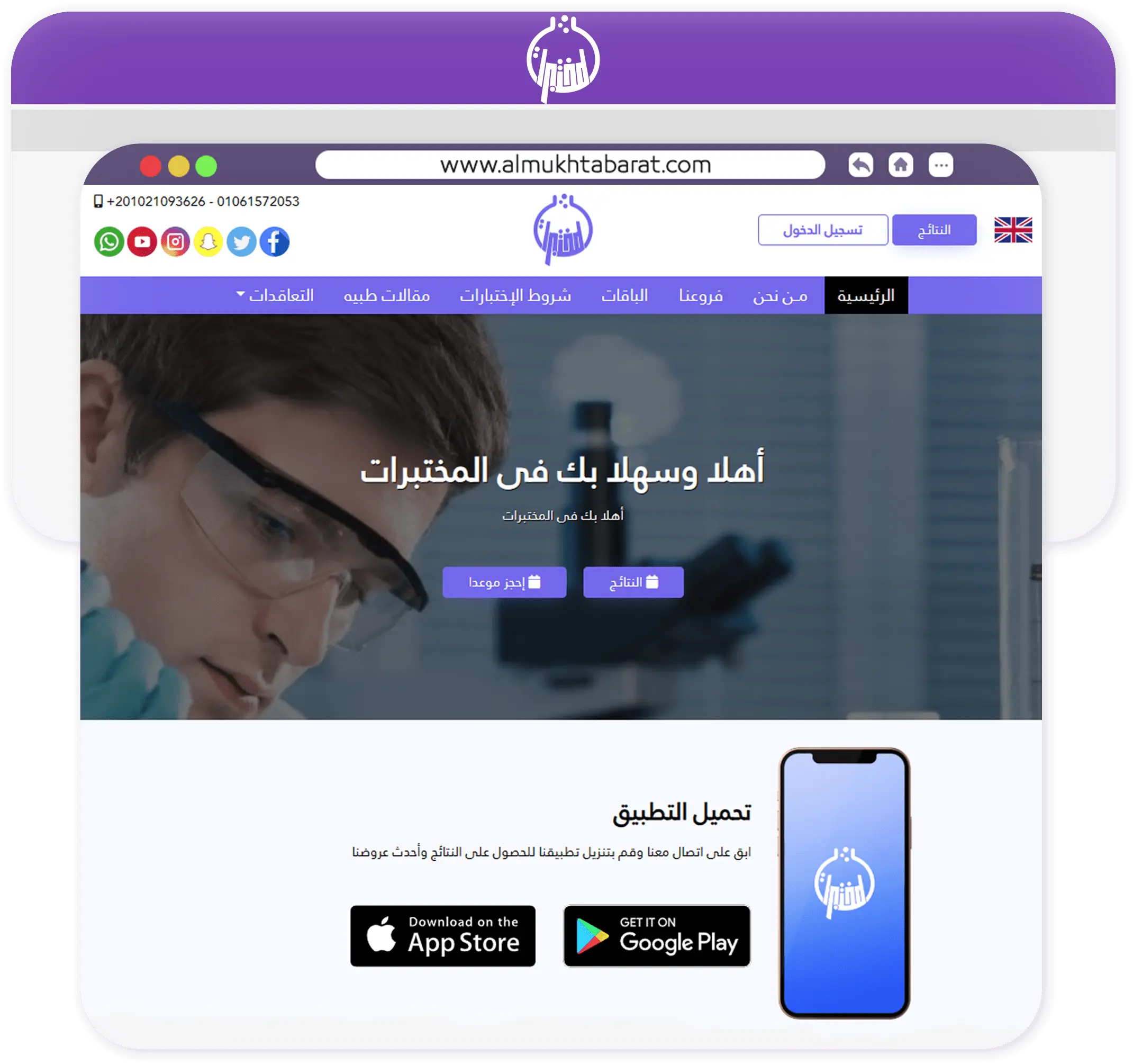
Clients Mobile Application
An application that makes it easier for the client to get results and book visits
The client is allowed to create a new account with the laboratory
It allows the client to review his bills and record his medical results with the laboratory
Review tests precautions before visiting the laboratory
Review information of laboratory branches
Request a home visit or book a laboratory visit
Support multiple branches
It is possible to add more than one branch and assign users to each branch with different powers

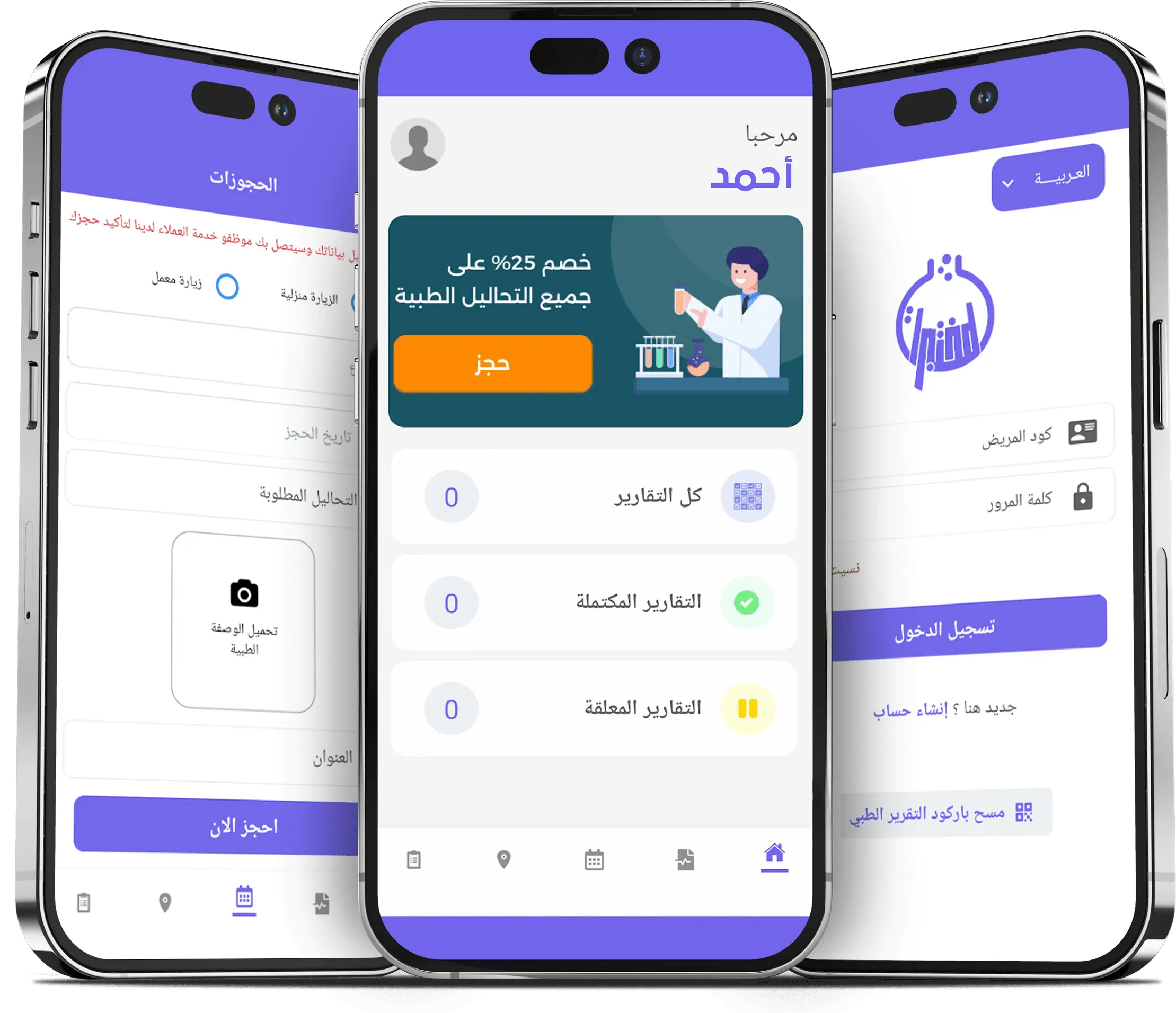
Supports multiple languages
Supports Arabic and English, and other languages can be added
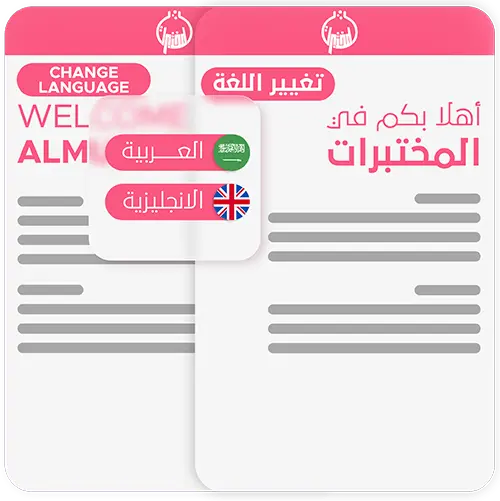
Supports multiple users
Users can be added and the permissions of each of them can be determined
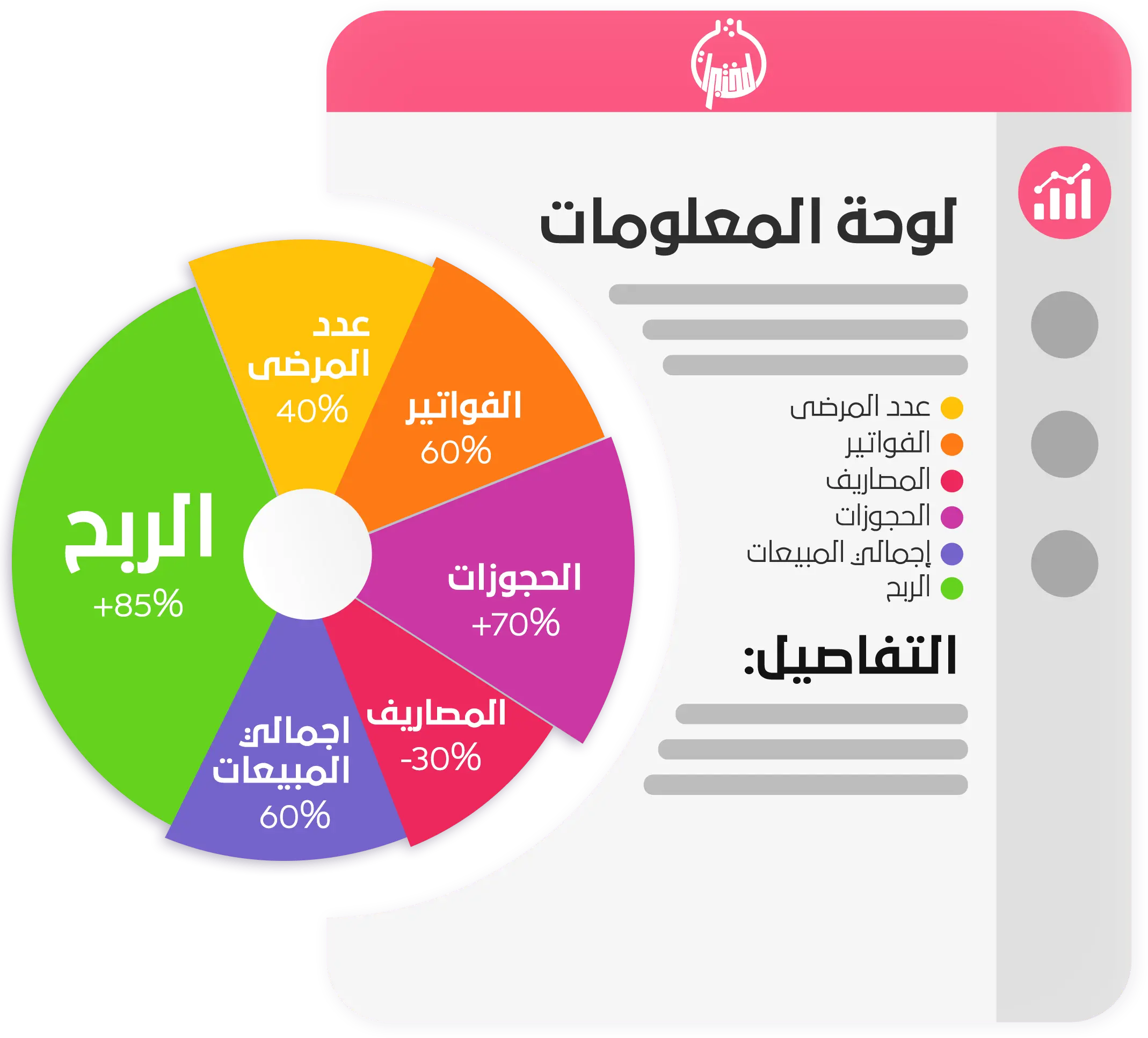
Laboratory dashboard
These comprehensive statistics provide a detailed look at the laboratory's performance from both the medical and financial aspects.
Data includes number of patients, number of completed and awaited tests, income, expenses, purchases, and profits. Additionally, statistics show the lab's most lucrative tests, referrals, and contracts.
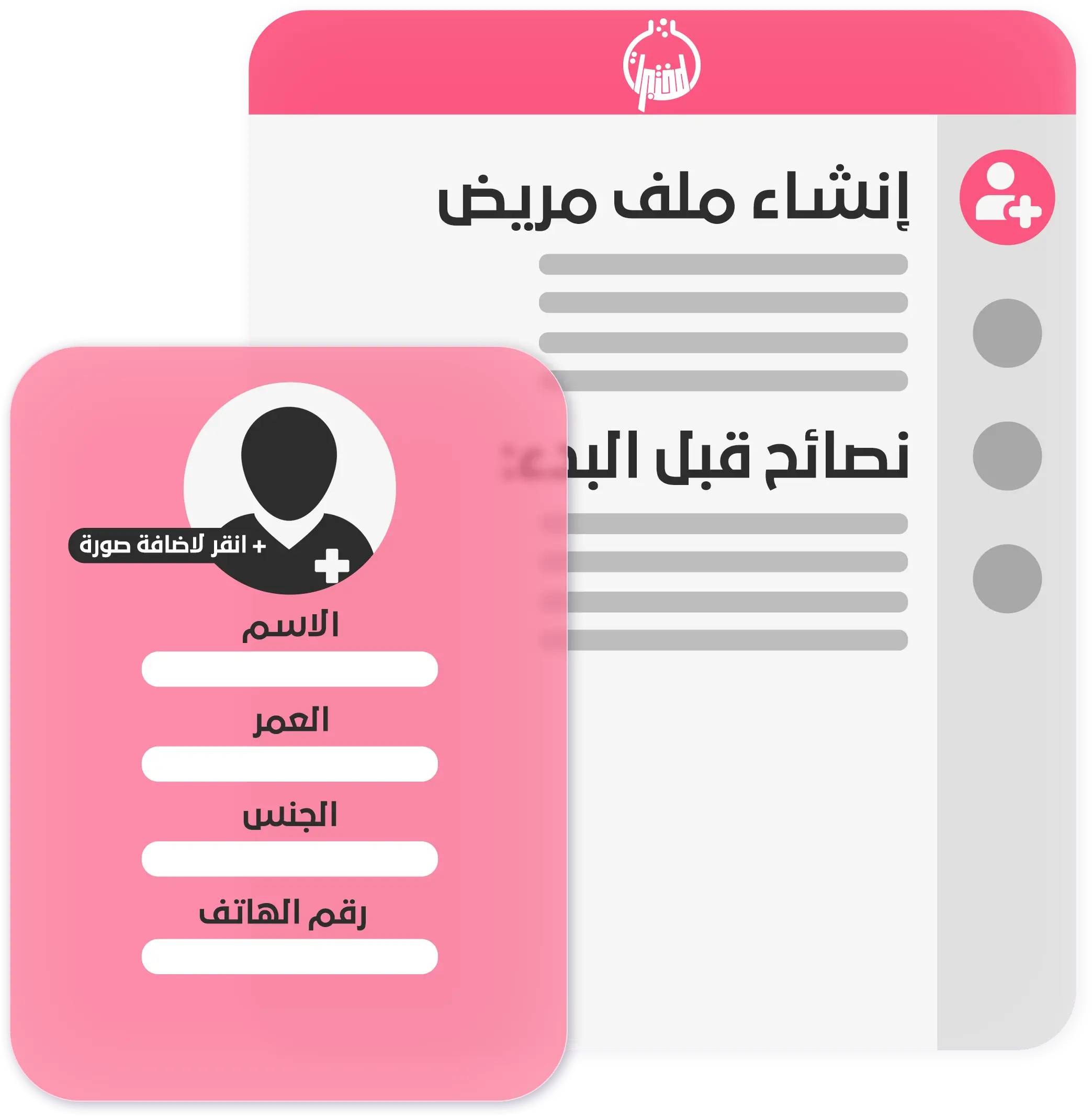
Create patient file
Create a file for the patient with all his data, such as name, gender, age, ID number, phone number, insurance company information, and his medical history if he suffers from any illness.
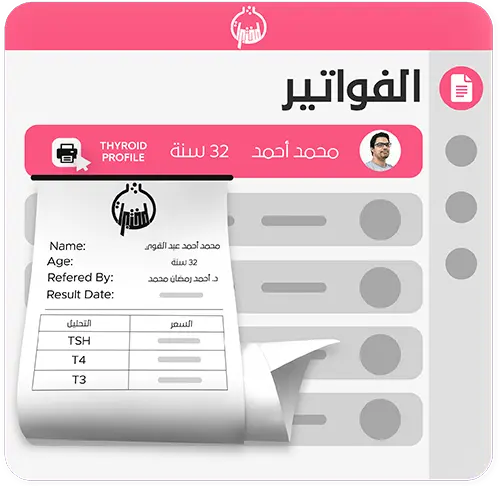
Create invoice
Create a new invoice for the patient with the required tests or cultures according to the price shown for his condition, and the possibility of adding a discount for him, recording payments, and printing a receipt.
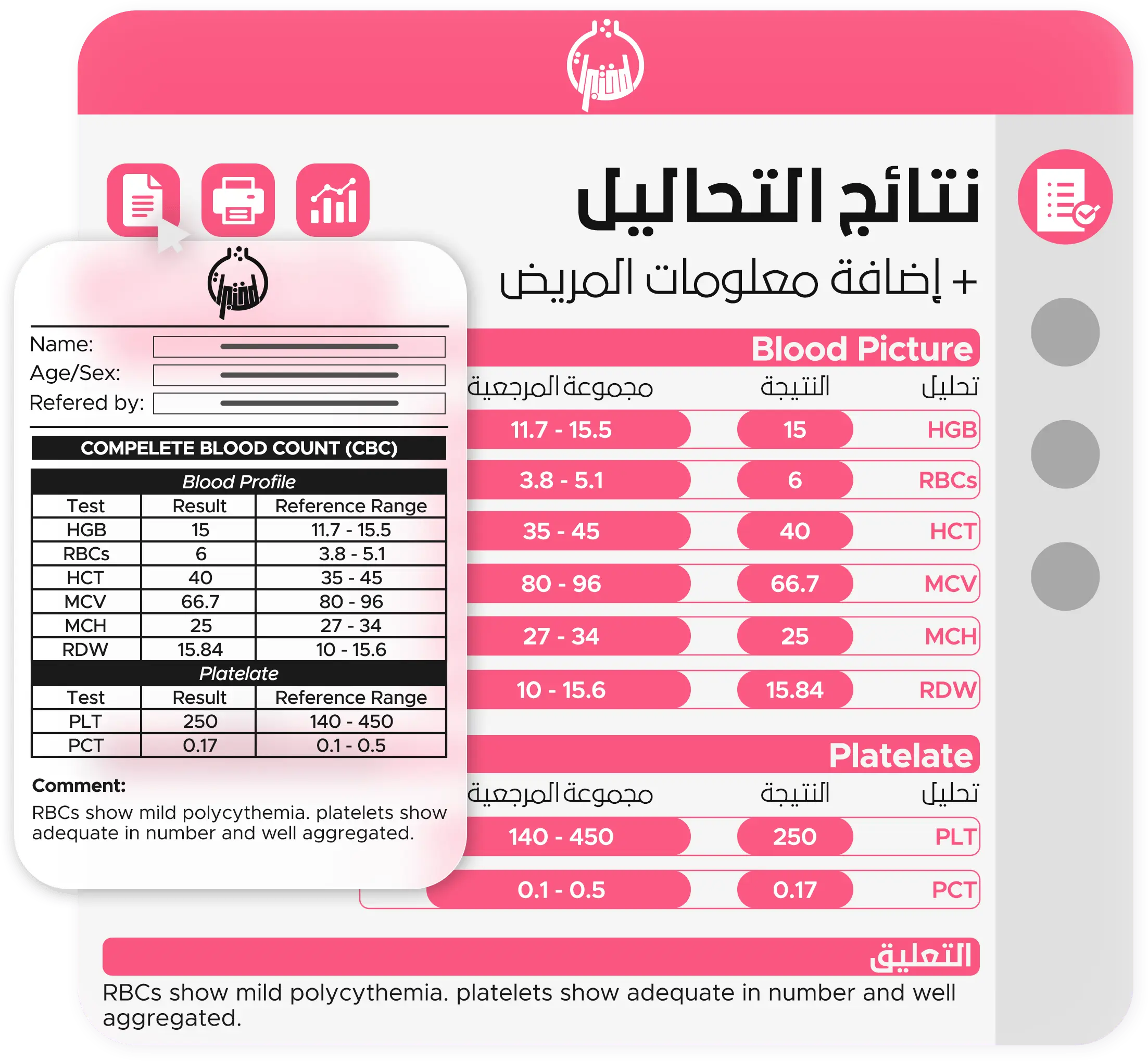
Enter tests results
Enter the results of tests and cultures, review and confirm the results, print them, and send them to patients via WhatsApp, email, or SMS.
Samples tracking
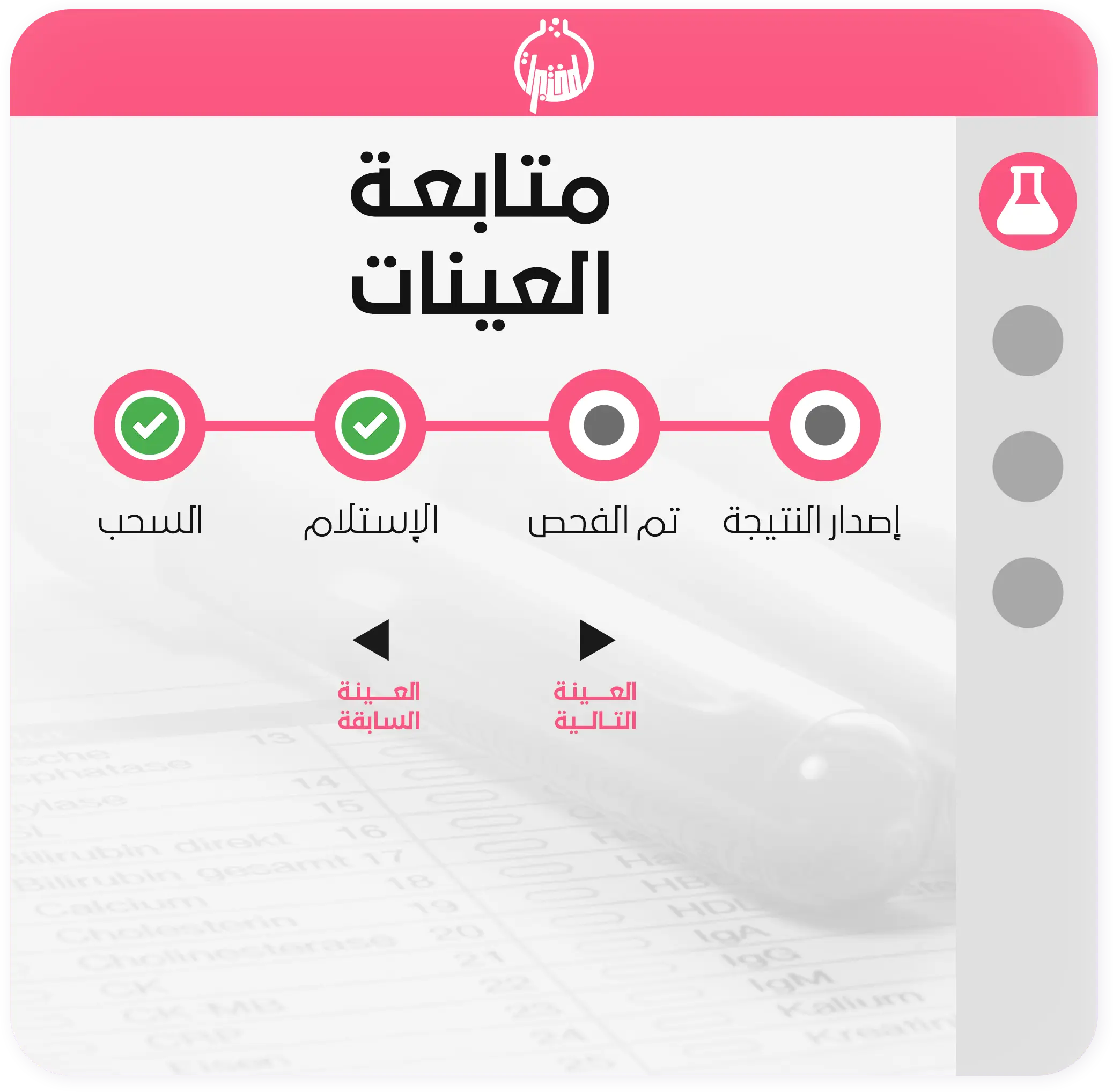
Follow up on sample cases through the barcode printed for each sample, specifying the sample’s status, the date the status was changed, and the employee who changed it from withdrawal, receipt, or rejection, specifying the reason for the rejection, and the possibility of re-withdrawing the sample.
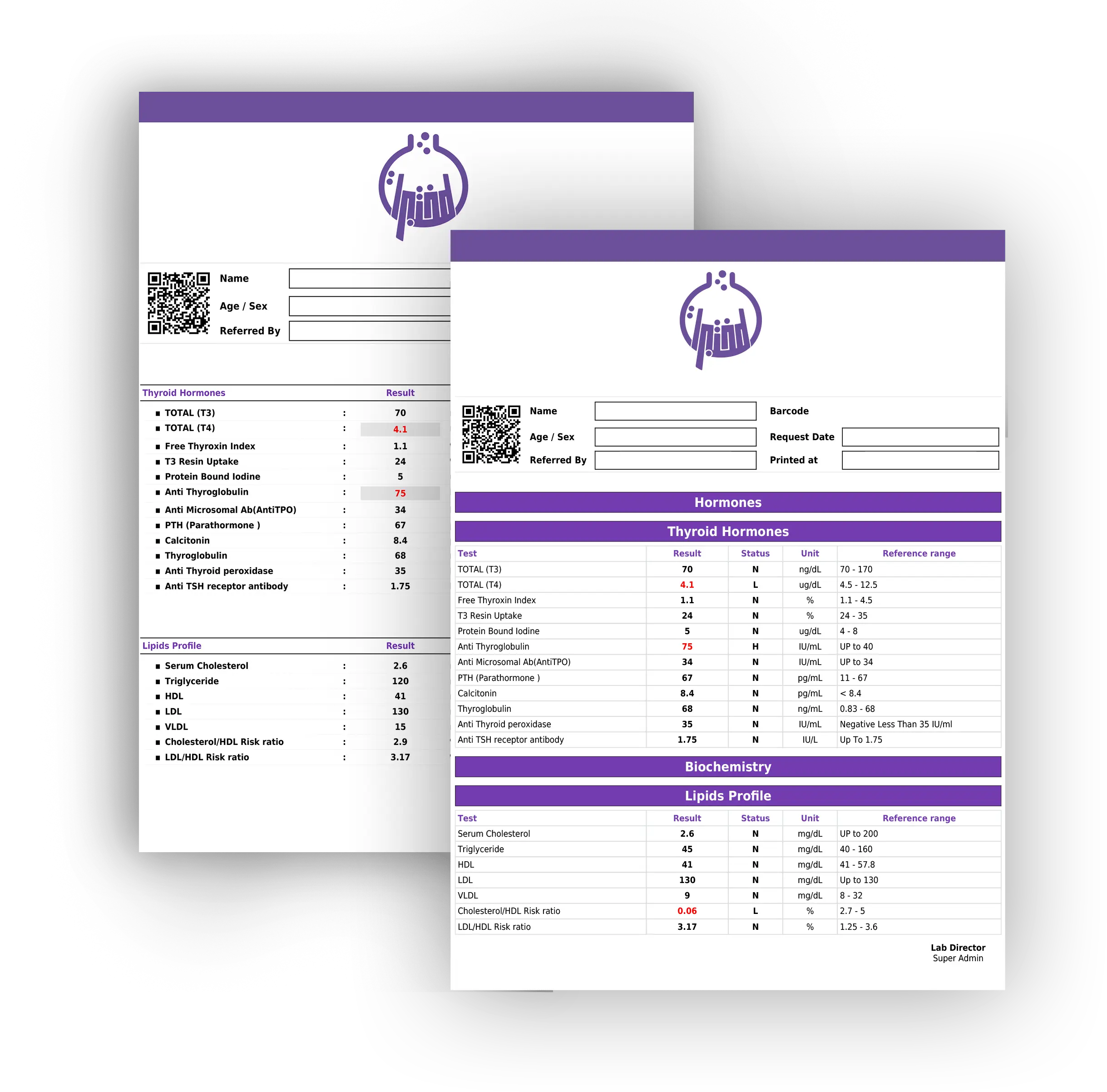
Suitable medical report for your laboratory
The system provides a variety of medical report formats from which one can choose what suits the laboratory, with the ability to customize and modify them flexibly by showing and hiding some information, modifying the color, font type, and font size, adding a page header, remove, and a watermark in the form Pictures are added
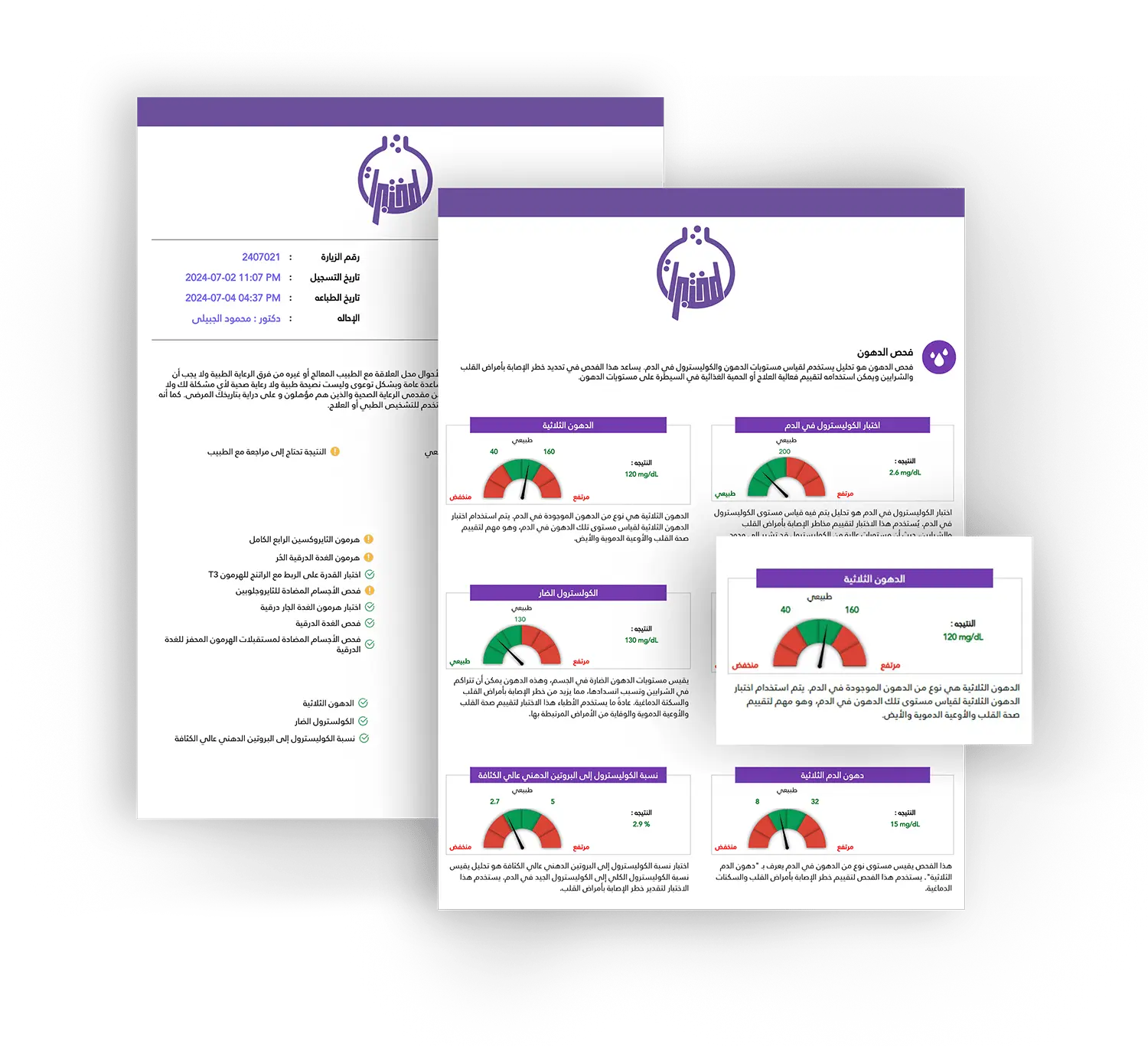
Almukhtabarat Smart report
The results of the tests are presented in a simple and understandable way to the client. The report is in Arabic and contains graphs and illustrative images that change according to the client’s results. The report contains an explanation of the importance of each test and an explanation of the patient’s condition if the result is normal or abnormal and the advice that the patient should follow. To reach a better health condition.
Tests management
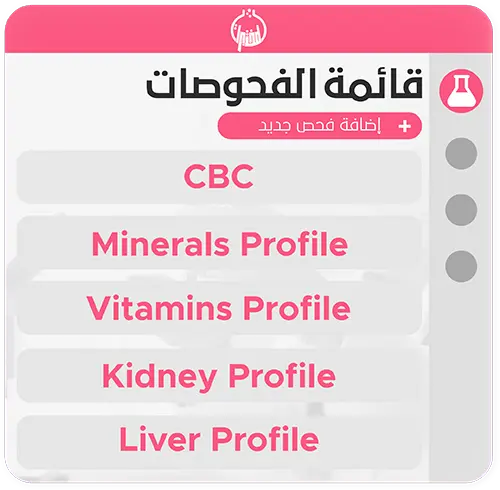
The system works to provide a wide range of medical tests and cultures, with the possibility of adding additional tests and cultures as needed. The system also provides flexibility in modifying normal rates, types of samples, medical units, and determining the time period required to conduct the test. It is also possible to add automatic comments that appear below the test result depending on the status of the results, which allows important notes to be included for patients. The system also allows the ability to add and modify mathematical equations that help calculate the results automatically.
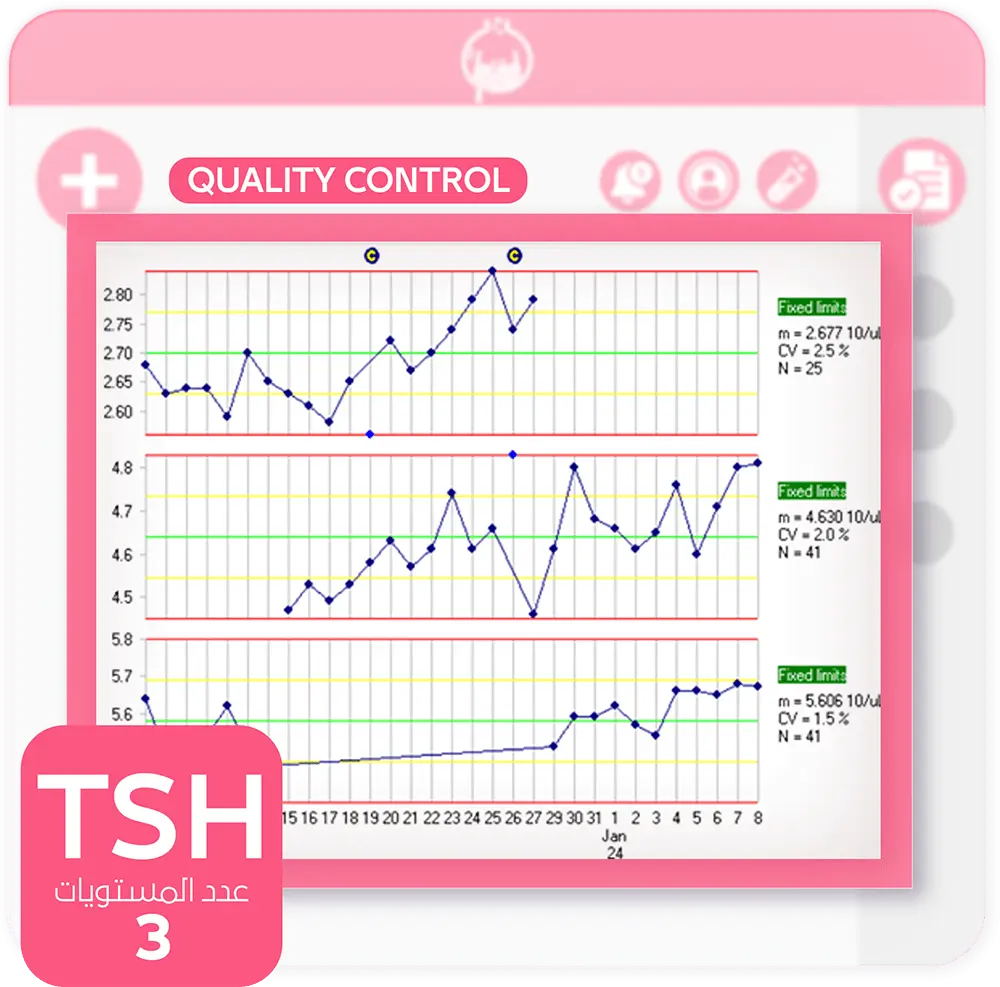
Quality control
The system provides the ability to record the results of periodic calibration of medical devices, which facilitates monitoring the status of the devices and ensuring the accuracy of the test results. The system contributes to ensuring the accuracy of patient results on an ongoing basis, and helps maintain high standards of quality work within the laboratory. In addition, the system enhances reliability and accuracy in the use of medical devices, ensuring the provision of reliable and effective health services.
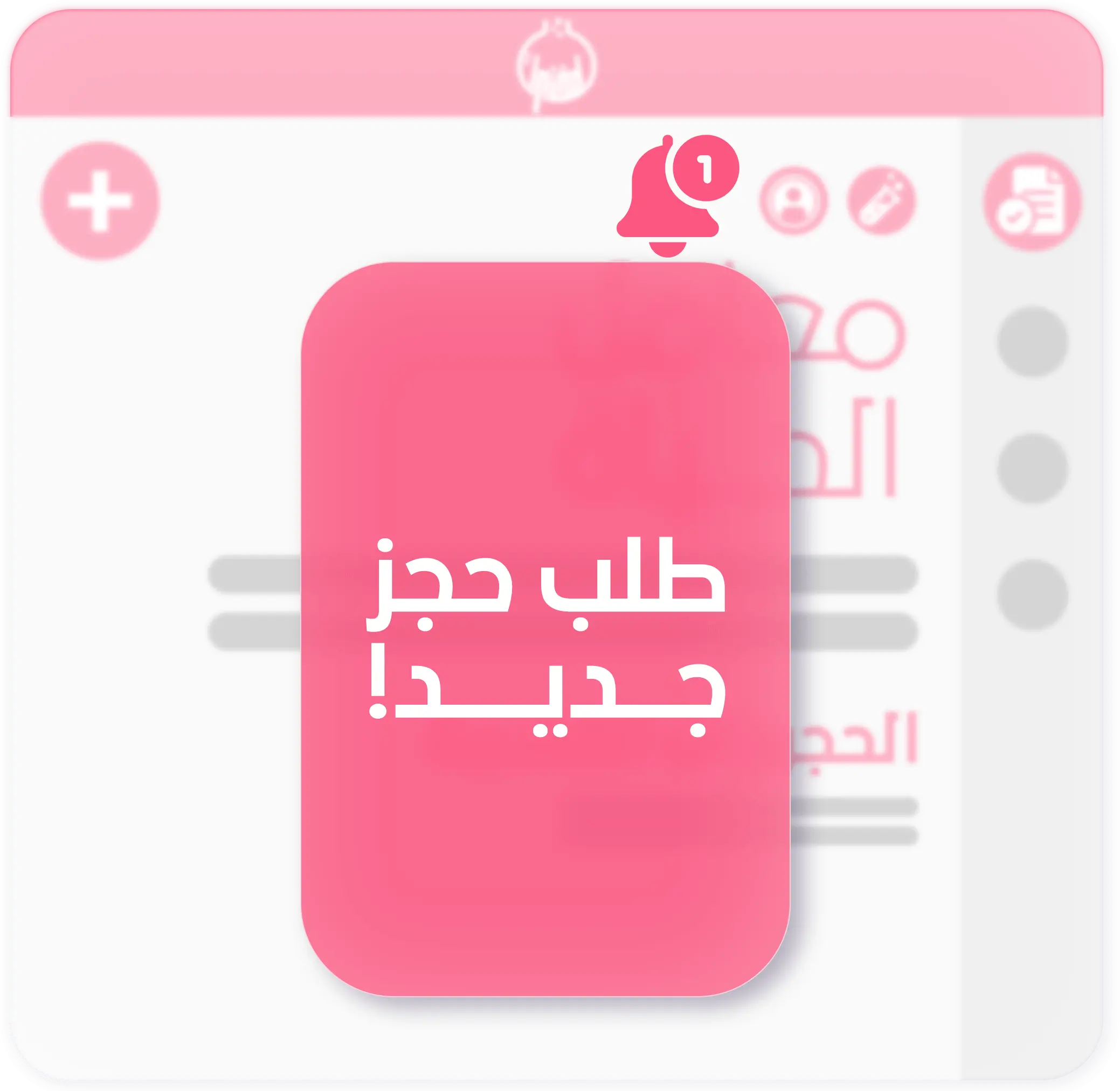
Bookings management
Managing appointments for reservation requests includes home visits or laboratory visits, and allows changing the reservation status and appointing a sample collector, with the ability to print an invoice containing the complete visit details and a barcode for the samples sent with the sample collector, in addition to setting the reception of samples after the end of the visit.
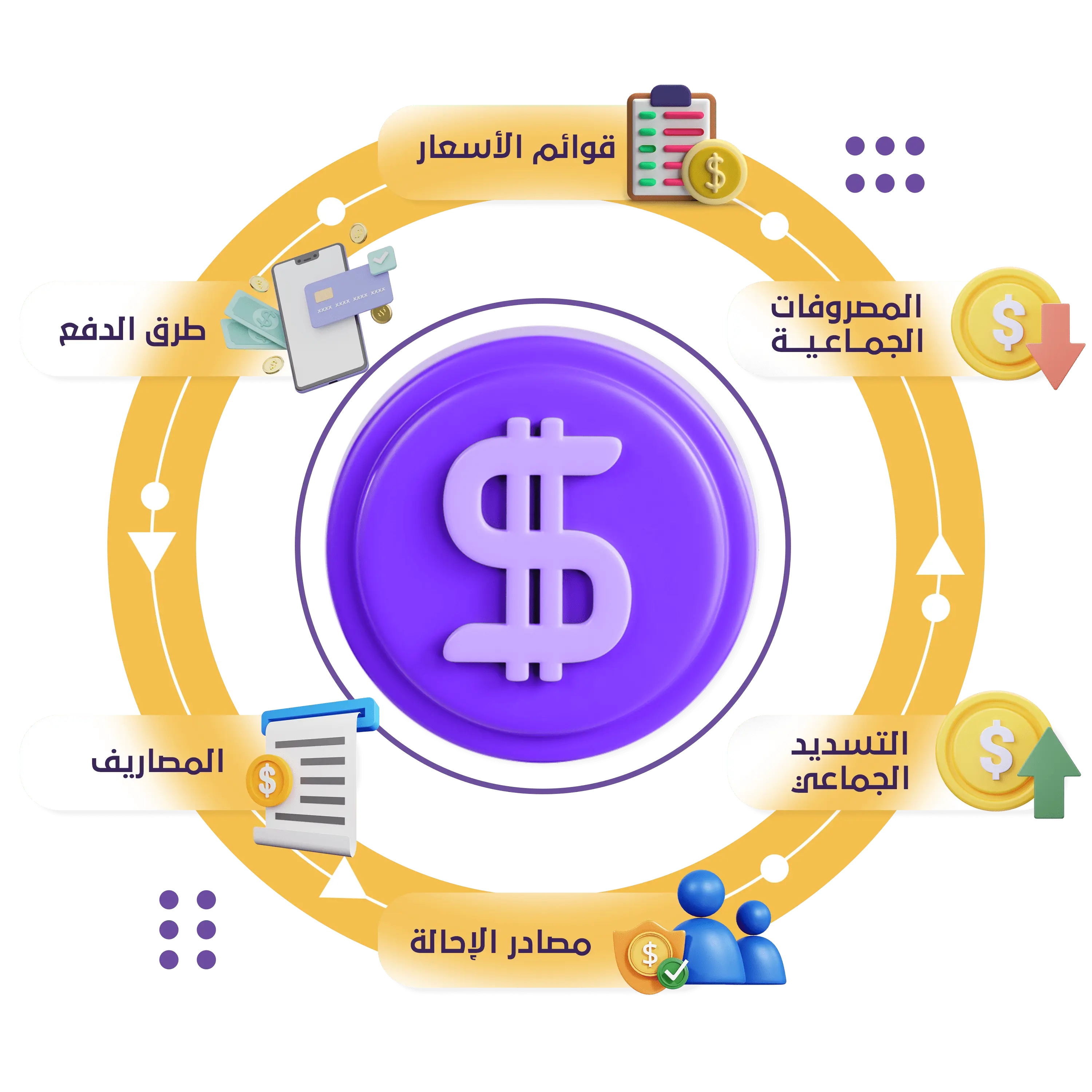
Financial management
The system provides integrated financial management for the laboratory, as it helps in tracking income, expenses, and product purchases. It also enables adding contracts with various companies and institutions, registering insurance company data, and following up on claims. In addition, it is possible to add referrals and set a commission for each referral, add external laboratories, and specify custom price lists for them. The system also provides a safe for each employee, which enables the income, expenses, and safe balance of each employee to be easily calculated.
![]() Price lists
 Price lists
The system provides complete flexibility in pricing by adding different price lists in an easy way and assigning a specific list to a branch, contract, or external laboratory.
![]() Payment methods
 Payment methods
The ability to add more than one payment method and assign it to payments or expenses, such as cash payment, bank check, or electronic payment, with the ability to register the transaction number.
![]() Expenses
 Expenses
The system enables users to add an expense, specify the expense item and amount, and record the data of the employee who recorded it and the date of the expense, with the possibility of attaching a receipt if available.
![]() Referral sources
 Referral sources
The system helps in evaluating the effectiveness of referral sources from different promotional methods, as the cost of each client to the laboratory can be known by recording promotional expenses and identifying the referral source for each invoice.
![]() Bulk payments
 Bulk payments
The system provides the ability to pay claims and deferred invoices to insurance companies and external laboratories by paying a group of invoices in one step.
![]() Bulk payouts
 Bulk payouts
The system provides the ability to pay commissions for referrals, sample collectors, and purchase invoices from suppliers by paying a group of invoices in one step.
Loyality system
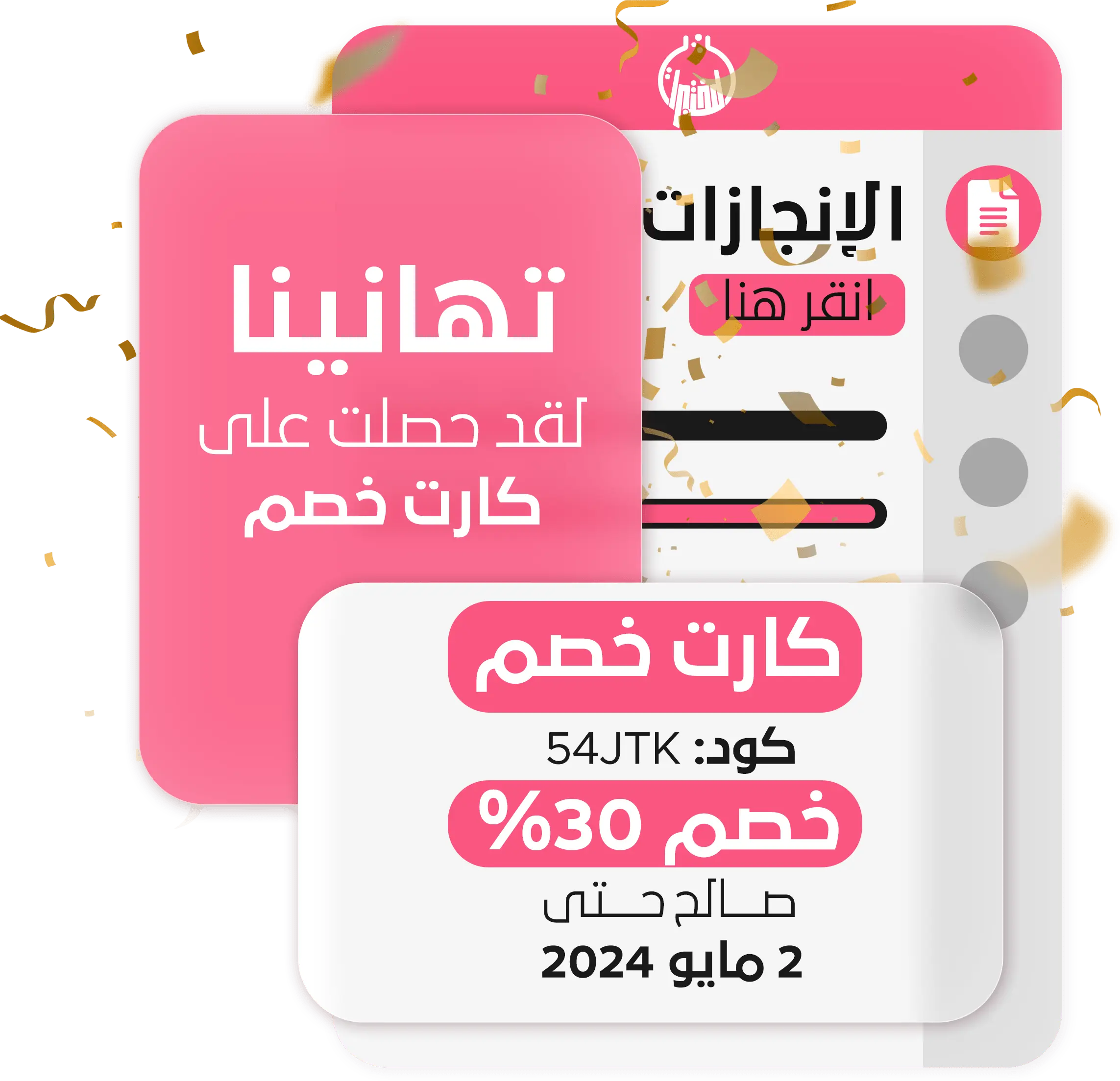
The loyalty system enhances customer relationships with the laboratory and increases the likelihood of repeat visits. Customers earn points with each visit that can be redeemed for discounts on future visits. Additionally, the system provides discount codes that enable customers to receive discounts on their transactions with the laboratory.
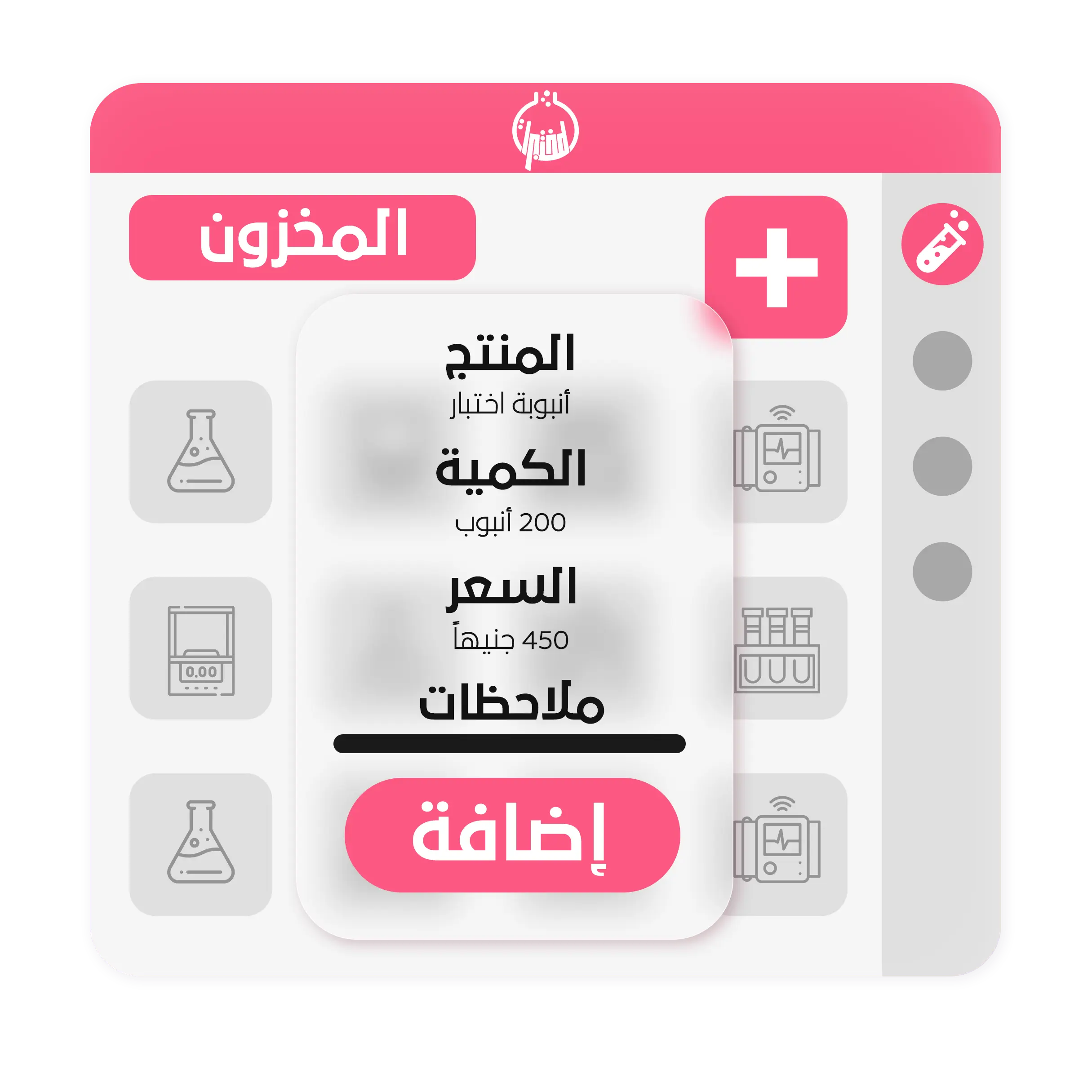
Inventory system
Laboratory inventory management includes recording the data of suppliers dealing with the laboratory, in addition to details of the types of products in stock and the current quantities of each product. The system includes determining the quantities that require an alert to reorder from suppliers. Purchase orders are also managed and purchase payments for suppliers are added.
The possibility of modifying inventory by reducing the quantities of some products and specifying reasons such as breakage or expiration. The system also includes managing product transfers between branches, and determining consumption quantities for each test, which allows an accurate calculation of the quantities consumed for each product. Through this, the expected quantities of each product are accurately determined within the store through the store’s inventory reports.
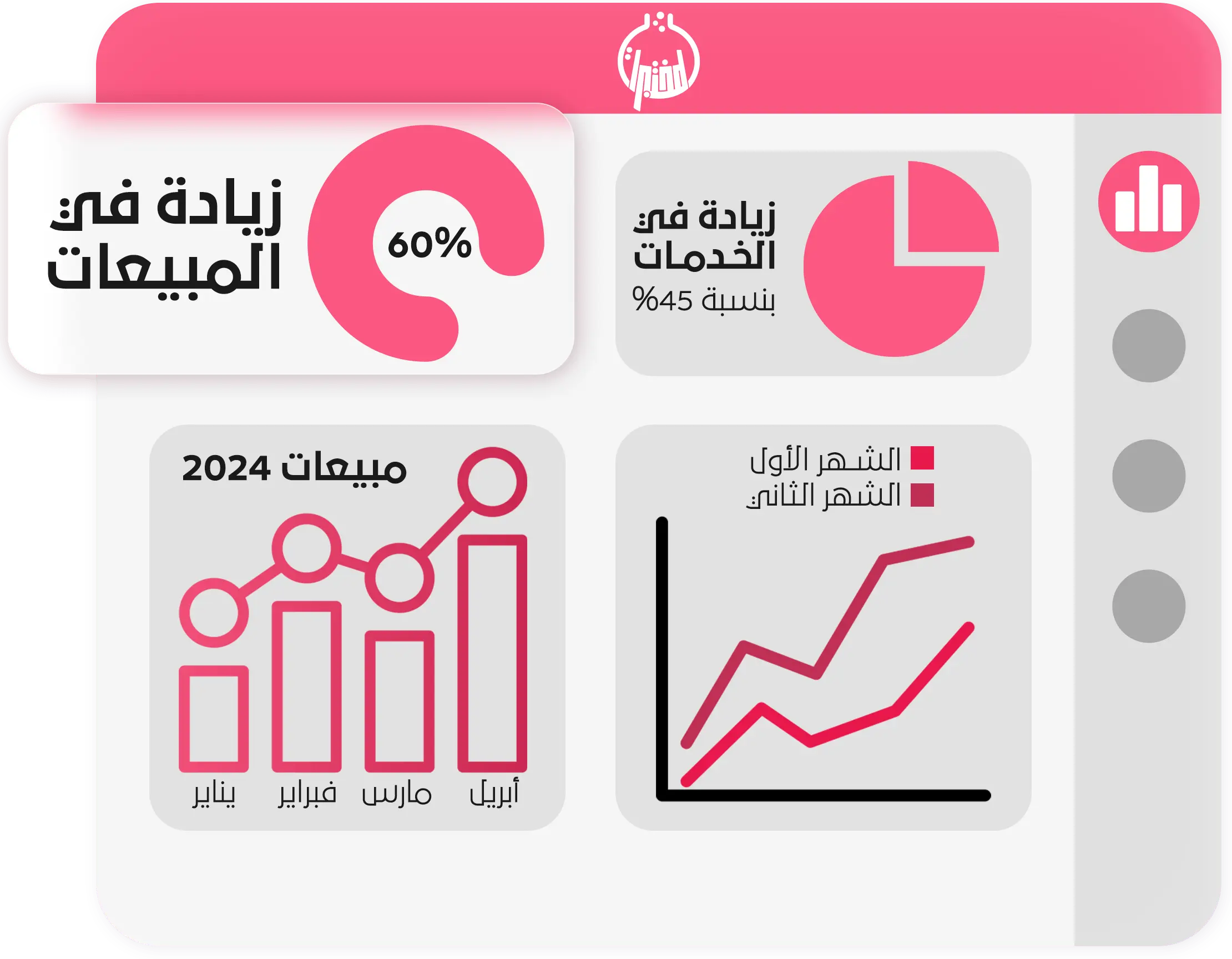
System reports
The system provides a set of reports that allow obtaining comprehensive information about the full details of the laboratory’s work in all aspects during a period specified by the user, which includes:
The laboratory’s financial report, which shows income, expenses, purchases, referral commissions if available, and the balance of each user’s treasury.
Statistics on the tests, implants, or packages most requested by patients.
Statistics on laboratories, contracts, insurance companies, referrals, and patients who deal with the laboratory the most.
A report on each insurance company and the ability to extract financial claims for each company with details of each patient’s bill, insurance card data, and deductible percentage.
Report on the laboratory’s transactions with external laboratories and the deferred account, whether debts or receivables.
The store report, which includes transactions with suppliers, purchase and modification operations, details of consumption, and the quantity currently available in the store of each product.
Notification center
A notification center helps users know everything new about the laboratory, such as registering patients or requesting a home visit through the website or their application, and notifying users of stock alerts for products that are about to run out of stock, and medical reports that have been completed and are ready to be sent to the patient. There are also notifications to users about samples that have not been completed and whose results have not been entered within the specified dates.
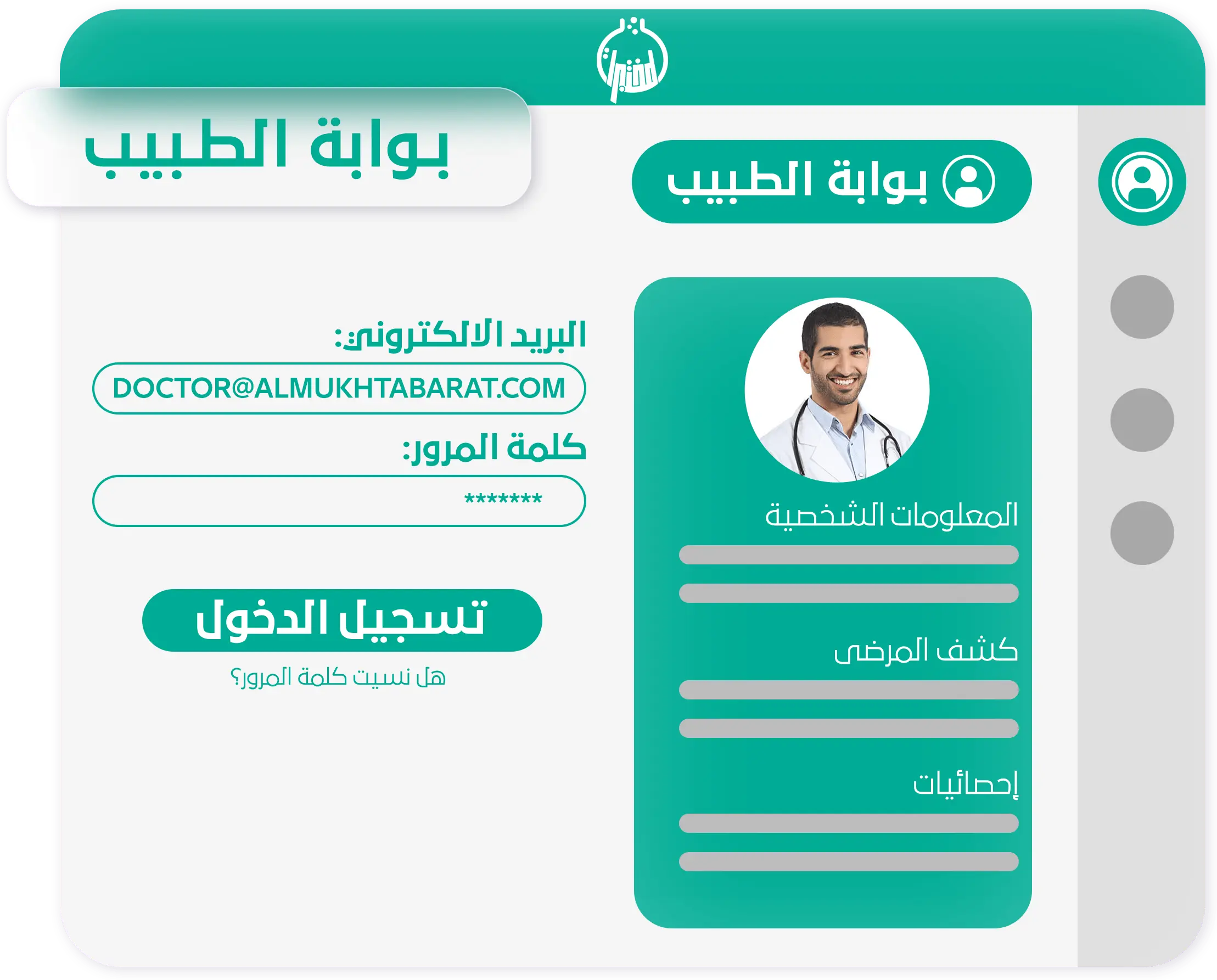
Referral portal
An integrated referral portal, whether it is a doctor, a clinic, a dispensary, or a hospital, where login is done through an email and a password for those who are appointed through the administration portal, and specific permissions are determined for each referral, enabling them to add their patients’ data and requests and print medical results. For tests upon completion of work on the samples, and also to obtain an accounting report with details of their invoices and commissions if available.
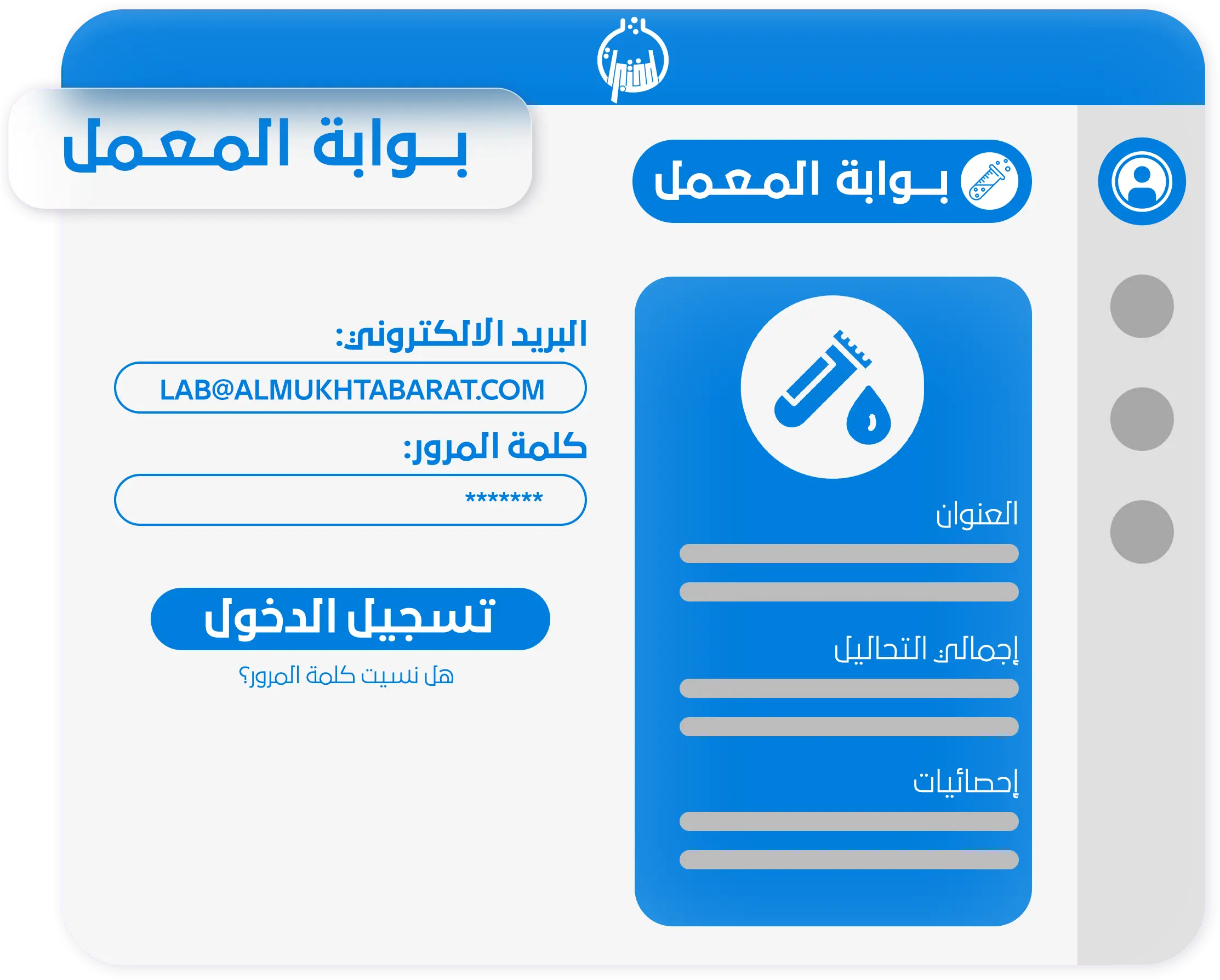
Laboratory portal
An integrated portal for external laboratories, where login is done through an e-mail and a password for those who are appointed through the administration portal, and specific powers are determined for each laboratory. The portal enables them to add their patient data and requests and print the medical results of the tests upon completion of work on the samples. Also extract an accounting report with details of the invoices, their payments, and the amounts remaining on them.
Medical devices interface
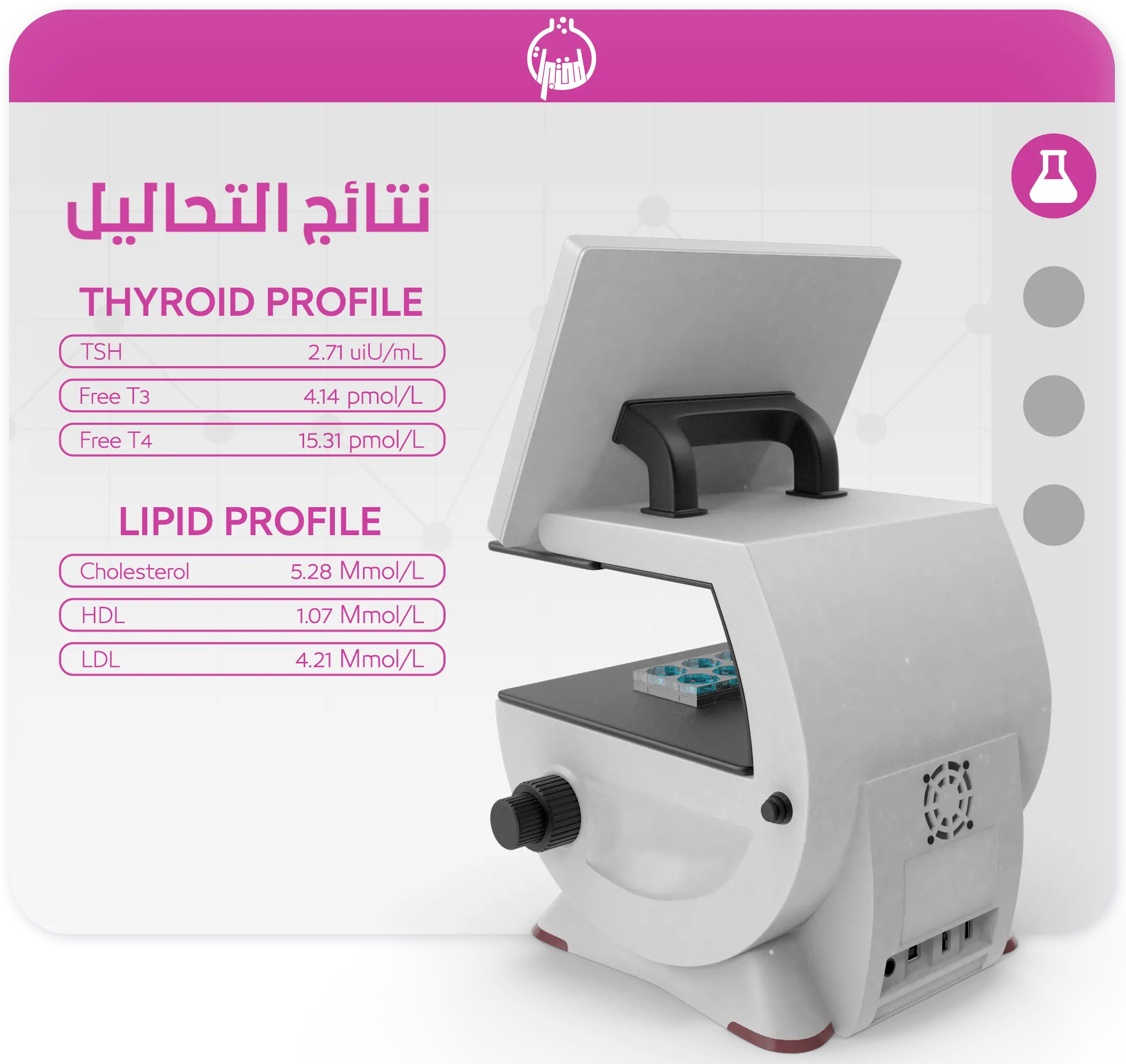
The application helps provide an automatic link between medical devices and the system, which facilitates the process of entering sample results using the barcode number that is printed from the system, as the medical devices send the sample results directly to the application, which in turn sends these results to the system and saves them automatically without the intervention of any employee. Within the laboratory, which helps save time and effort, and reduces possible human errors in entering results.
Almukhtabarat Smart Chatbot
Almukhtabarat smart ChatBot is an intelligent WhatsApp assistant that automatically responds to customer inquiries, helping them check test results and status, find branch details and working hours, explore packages and offers, book home visits, and rate the service — 24/7, without requiring staff intervention.

Fingerprint interface
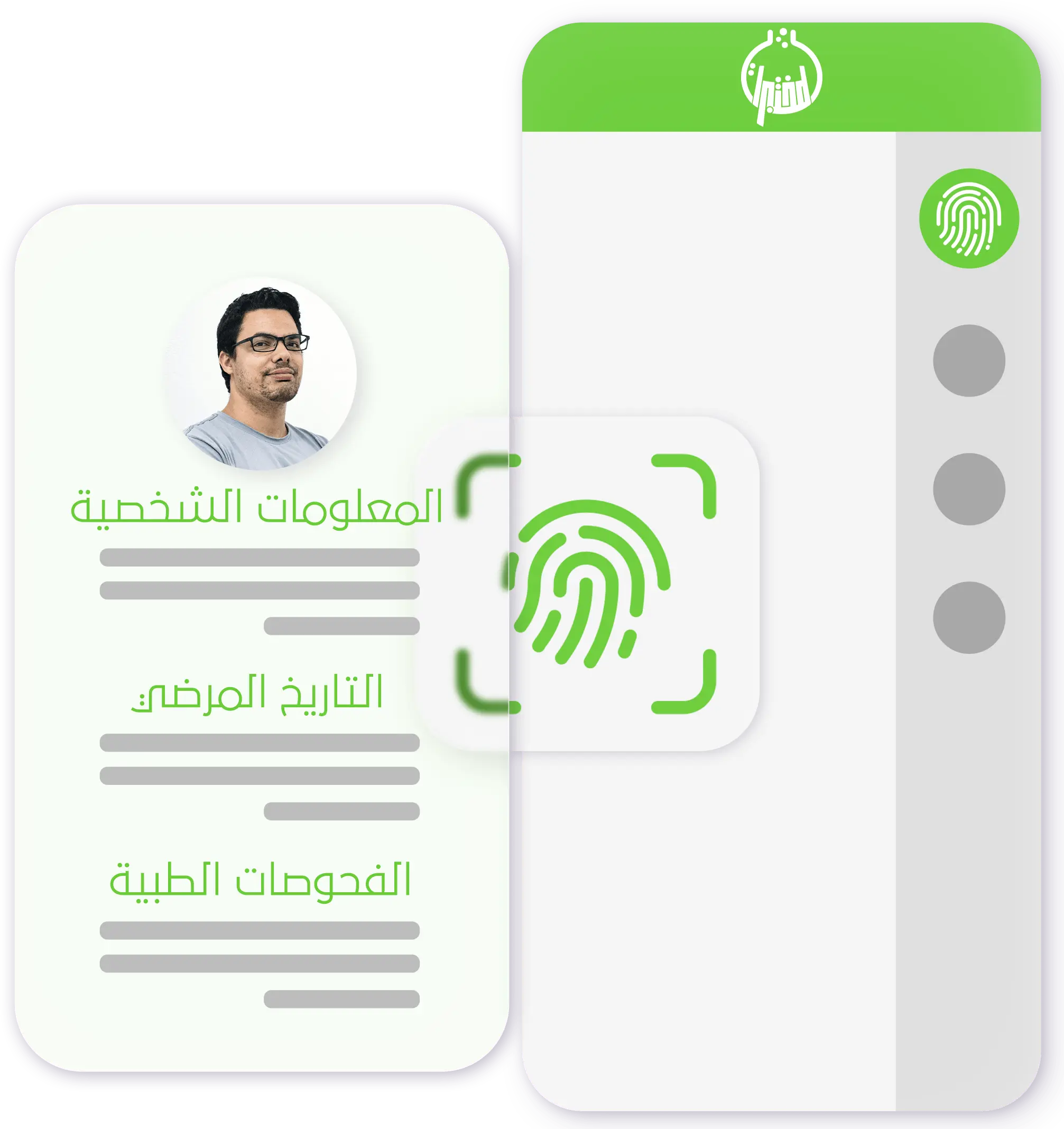
The application helps to link patients' fingerprint to the system effectively. When the patient visits the laboratory, he places his fingerprint on the fingerprint device. The application recognizes the patient's fingerprint if it is already registered in the system, in which case his file is automatically selected. If the patient is new, his fingerprint is recorded to facilitate identification in future visits. This method simplifies the process of identifying the files of registered patients when they visit the laboratory, without the need to search for their names or phone numbers, which saves time, prevents duplication of patient files, and reduces possible human errors in the patient registration process.
Contact us
Please enter your information and we will contact you very soon and reply to your inquiries
Contact us to inquire about our services and request a trial version